
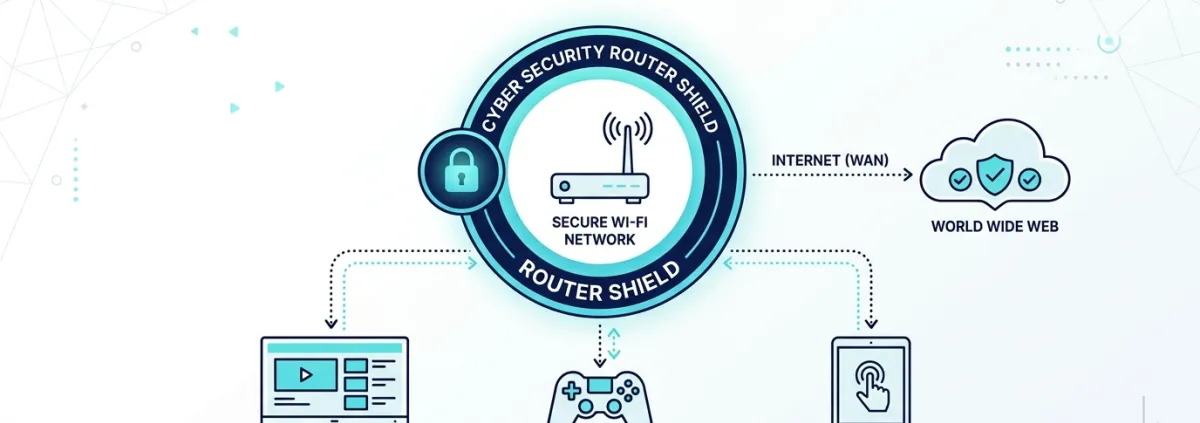
One of the most effective and underutilised safety tools available to UK families is the free, network-level content filter provided by major internet providers. Because these filters operate at the router level, they protect every device connected to your home Wi-Fi — including smart TVs, gaming consoles, and visiting friends' tablets — without needing any software installed on individual screens.
Where to Turn Them On:
- Sky Broadband: Log in to your Sky account and look for Sky Broadband Shield. You can set age categories (PG, 12, 18) and schedule daytime vs evening watershed rules.
- BT / EE: Access BT Parental Controls in your My BT portal. Features light, medium, and strict presets, plus custom website blocking.
- Virgin Media: Search your online Virgin account for Web Safe. It includes Virus Safe and Child Safe toggles with customizable site categories.
- TalkTalk: Enable HomeSafe to block adult content and turn off access to gaming and social media during homework hours.
Remember: network filters only apply when devices are on your home Wi-Fi. If your child's device has 4G/5G mobile data, you will also want device-level screen time controls enabled.
Please log in or sign up to comment.